Your life, organized. Your family, connected.
Your life stays on your phone. Not even eGeek can see it.
Reminders, family lists, appointments, health habits and safety, in one simple app that works on iPhone and Android from the browser.
What it does
Reminders & routines
Any schedule, morning and evening checklists, one-tap done, 10-second undo.
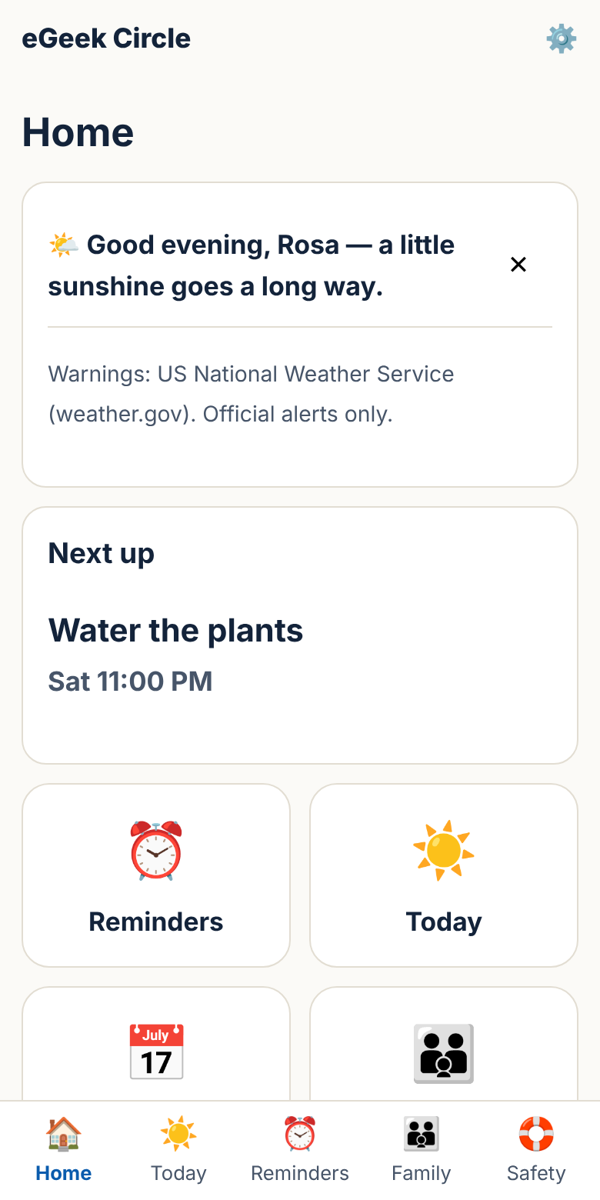
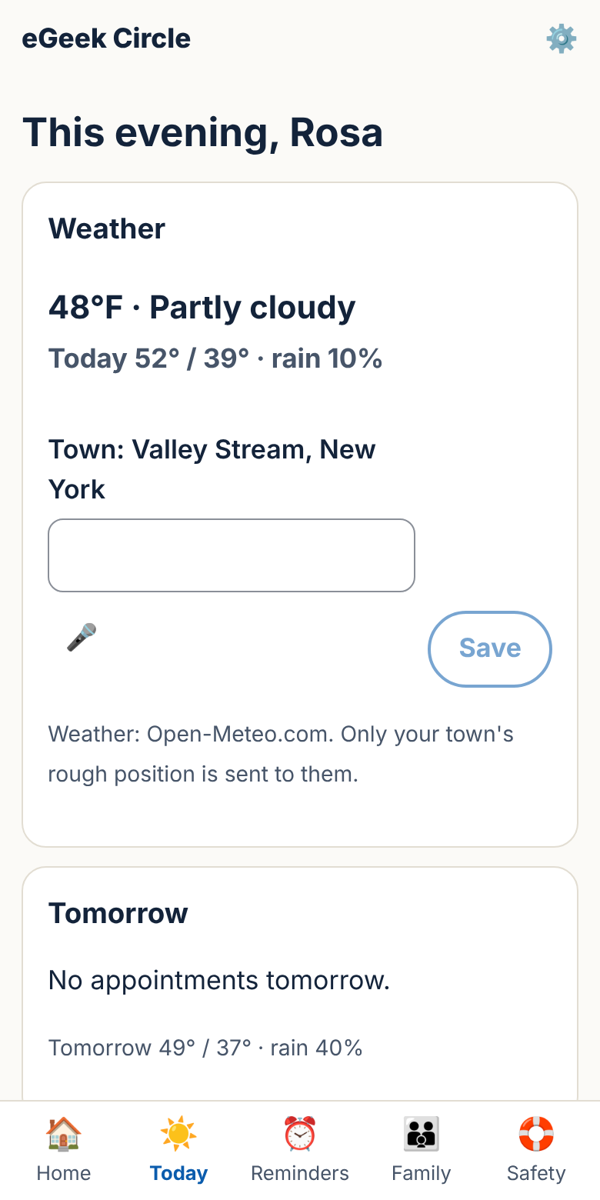
Morning brief
Weather, today's appointments, bills and birthdays. A Tomorrow card each evening.
Appointments
Day-before and 2-hour reminders with a 'leave by' time. Running late? A message is ready for you to send.
Family
Shared grocery, chore and packing lists with live ticks. Locked so only your family can read them.
Health & habits
Medicine with 'Taken', refills, water, weekly weight, a kind habit coach. Not medical advice.
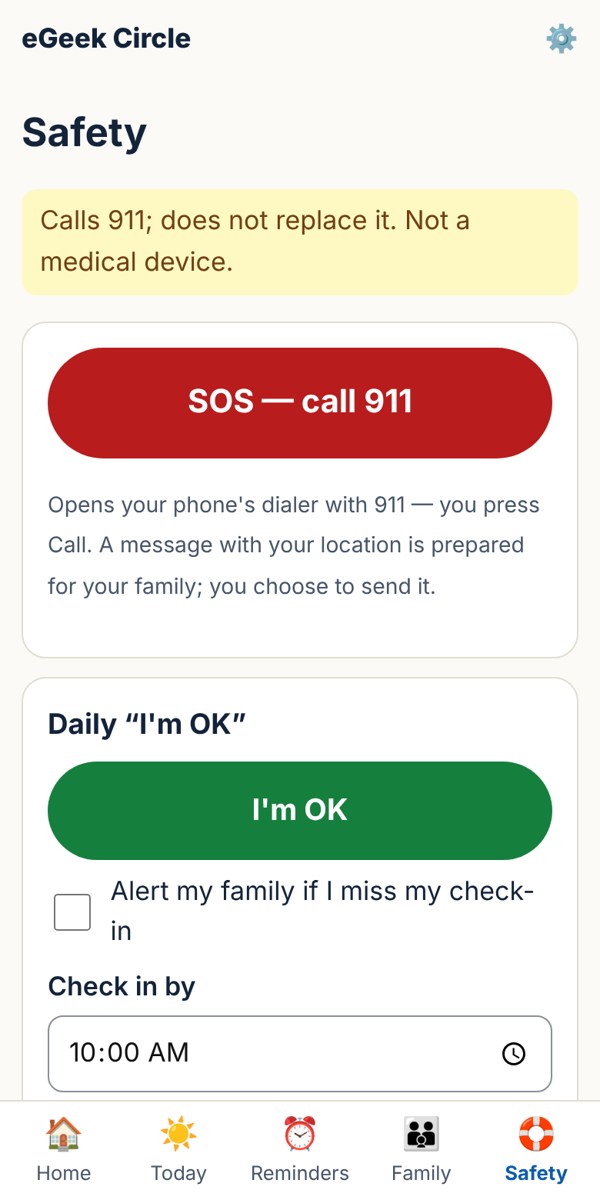
Safety
SOS opens 911 and a message you send to family. Daily 'I'm OK' check-in. Share my trip.
Easy for everyone
Extra-large buttons, high contrast, read-aloud, voice input, a simple 4-button mode.
English, Español, اردو
Works offline after the first visit. Add it to your home screen.
See it
How it works
- Open the app and sign in with your email (we send a code).
- Choose a passcode: it locks your data on your phone.
- Tap Share, then "Add to Home Screen".
- Save a backup file to your own iCloud, Google Drive or computer. Lost phone and no backup = data lost.
Plans
Free
$0
No ads
Family
$4.99/mo
or $39 a year · The whole family
Plus
Coming soon
AI features — coming soon
| Feature | Free | Family | Plus |
|---|---|---|---|
| Reminders, brief, appointments, health, safety | Yes | Yes | Yes |
| Family lists and calendar | 1 other person | Whole family | Whole family |
| No ads, no tracking | Yes | Yes | Yes |
| AI help (asks you each time) | — | — | Coming soon |
No ads on any plan. Seniors and people with disabilities: ask for a discount code. eGeek Pro business owners get Family included.
Questions
Is it free?
Yes. The Free plan has no ads and no time limit. Family and Plus add more sharing and, later, AI help.
Can eGeek see my reminders or health notes?
No. They are stored on your phone, locked with your passcode. Our server never gets them in a form it can read.
What if I lose my phone?
Sign in on a new phone and restore your backup file. Use "Sign out all my phones" in Settings. Without a backup, data on a lost phone can't be recovered.
Does it work on iPhone and Android?
Yes, in the browser. Add it to your home screen. A phone-store app comes later.
Does SOS call 911 for me?
It opens your phone's dialer with 911 and you press Call. It also prepares a message to your family that you choose to send.
How do I cancel a paid plan?
Settings › My plan › Manage my plan. You keep the plan until the end of the period you paid for.